

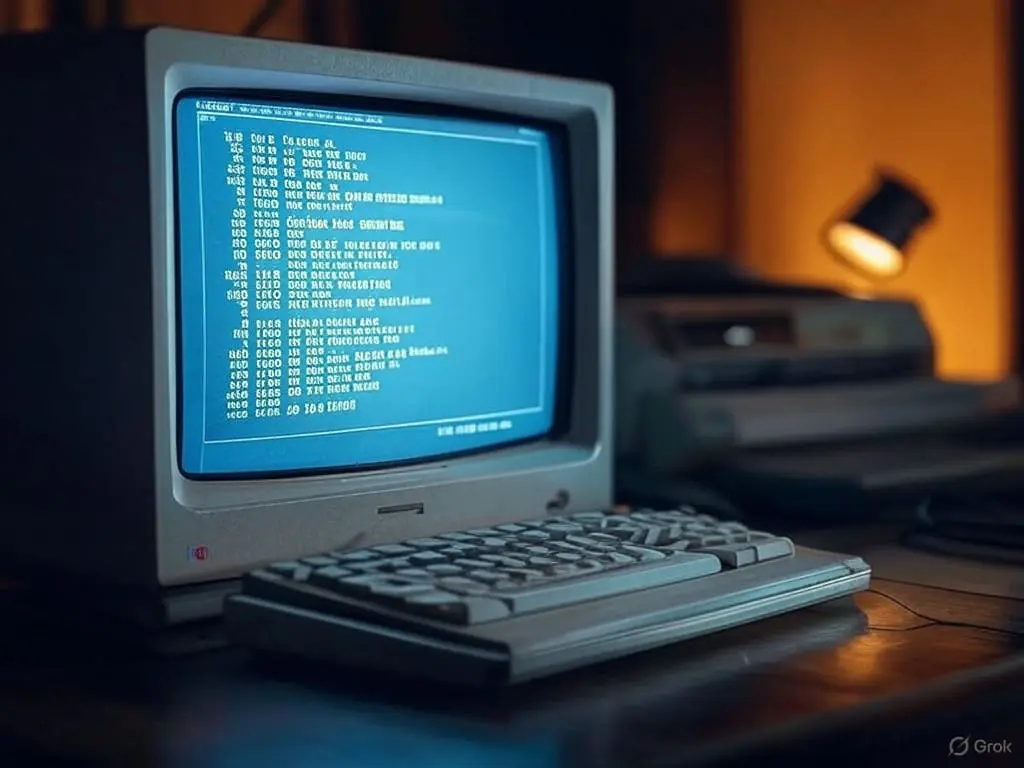
Computers once answered only experts. You had to know the exact words. Command-line interfaces (CLIs) wanted a typed instruction, spelled correctly, and gave nothing back if you got it wrong. The history of human-computer interaction (HCI) is largely the story of that demand being dismantled. Graphical user interfaces (GUIs) started it in the 1970s, putting icons and menus on the screen so a person could point at what they wanted instead of naming it. Apple’s Macintosh carried the idea to the public in the 1980s, and computing stopped being a specialist trade.
Touchscreens were the next break. The Nintendo DS got there early, but Apple’s iPhone made the idea ordinary in 2007, and advances in capacitive technology are what made the screens quick enough and cheap enough to carry about. ACM Transactions on Human-Computer Interaction tracks the change. The machine had become something you touched rather than something you addressed.
Voice came after that. Amazon Alexa and Google Assistant use natural language processing (NLP) to take an instruction spoken out loud, which suits anyone whose hands are busy and anyone who finds a screen hard work. Research on conversational user interfaces makes the case plainly. The direction now is multimodal, meaning touch and voice and gesture in one system, as recent ACM CHI papers set out. The aim is to make a machine take less thinking about, and augmented reality and brain-computer interfaces are the next candidates for the job.
Batch Processing And Punch Cards
Before any of that, computers ran in batches. You handed the job over, it waited its turn, and it ran without anyone watching. That suited the work of the day, which was long scientific calculation and bulk business data, and it needed a way of getting instructions into the machine. Punch cards were that way in.
A punch card was a stiff rectangle of paper with holes in it, and the pattern of holes stood for letters, numbers or commands. One card held one line of code or data. A program was a deck of them stacked in order, and an operator fed the deck into a card reader that turned each hole into an electrical signal the computer could act on.
The arrangement had real advantages. Repetitive work could run unattended, nobody had to sit over the machine, and large volumes of data went through efficiently. It also had a weakness that anyone who used it remembers. Cards were easily damaged, and a single badly punched hole could produce a wrong answer or bring the run down.
Punch cards held their place through the 1950s and 1960s all the same. Banks in particular ran on them, because large-scale data processing was the job and nothing else did it at that scale. Magnetic tape and then electronic terminals gradually took over. The shape those decks gave to early computing has never quite gone away.
Moving off punch cards changed what a person could expect of a computer. Batch processing existed because the input method demanded careful preparation and careful handling, and that is what made the machine feel remote. What replaced it is the interactive, friendlier computing everyone now takes for granted.
Graphical User Interfaces Revolution
The move from the command line to the graphical user interface changed who could use a computer at all. A CLI is efficient once you know it, and that is the catch, because knowing it is technical work and it kept most people out. Apple and Microsoft brought GUIs in the 1980s. Icons and menus meant the options were visible rather than remembered.
Touchscreens changed it again, and phones and tablets are where that happened. Capacitive touchscreens were tried in the 1970s, but the iPhone and the iPad are what made them normal. Touching the thing on the screen turned out to beat steering a cursor towards it, and that directness is the usability gain over a traditional GUI.
Voice freed the hands. Siri and Alexa run spoken commands through natural language processing, which matters most to people with disabilities and in the places where a touchscreen is impractical, such as a kitchen or a car. It does not replace the GUI. It sits alongside it as another route to the same thing.
Augmented reality (AR) and virtual reality (VR) are the next claim on the field. AR lays digital material over what you can already see, and VR replaces the view entirely. Education, entertainment and productivity are the obvious uses. Cost, technical limits and the plain difficulty of getting people to adapt are the obvious obstacles.
Read end to end, the line from the command line through touchscreens to voice runs in one direction, which is towards interfaces that ask less of the person using them. Every step widened the population that could use a computer, and each one pulled the technology further into daily life. The next step is likely to be several modes at once, tuned to the individual.
The Computer Mouse Origin Story
Early computers took precise typed commands, which put them in the hands of technical experts and nobody else. That is what sent people looking for something friendlier.
Doug Engelbart built the computer mouse in the 1960s, and it is the hinge the whole field turns on. He was not after a gadget. He thought computers could make people cleverer if the two could work together properly, and the first demonstration showed a graphical interface being driven by hand. He had set the argument out in “Augmenting Human Intellect: A Conceptual Framework” (Engelbart, 1962), and every graphical interface built in the sixty years since is downstream of that one demonstration.
The Xerox Palo Alto Research Center (PARC) took it further with the Alto in the 1970s. The Alto had a mouse-driven GUI, complete with windows and icons. Michael Hiltzik tells the story of how it was built and then let slip, in “Dealers of Lightning: Xerox PARC and the Invention of the Personal Computer” (Hiltzik, 2003). It showed what graphical interfaces could do for ordinary users long before anybody sold one.
Apple’s Macintosh in 1984 and Microsoft’s Windows in the early 1990s are what took the idea to the mass market. Both made the mouse normal. The learning curve dropped sharply once the options sat on the screen rather than in a manual, which is a point Don Norman makes throughout “The Design of Everyday Things” (Norman, 2013).
Touch and voice are the recent additions. Touchscreens became prominent with smartphones, and Apple’s iPhone in 2007 is the marker everyone uses. Siri arrived in 2011 and turned speech into a real input method rather than a demonstration. Both are still moving, and both keep widening the range of people and devices they reach.
Touch Screens And Gestural Interaction
Touchscreens let a person act on what they can see, with no device in between. E.A. Johnson’s work in the late 1960s is where capacitive touch begins, though the technology waited until the 2000s and the arrival of smartphones and tablets to find its market. Apple’s iPhone, launched in 2007, made multi-touch gestures ordinary, so pinching, zooming and swiping became things everybody knew how to do. It set a standard the rest of the industry then had to meet.
Voice took a longer run at it. Dragon NaturallySpeaking in the 1990s turned speech into text, more or less, and the accuracy was the problem. Machine learning and neural networks fixed enough of that to make natural language processing (NLP) practical. Virtual assistants like Siri, Alexa and Google Assistant now take spoken commands as a matter of course, which helps anyone with their hands full and anyone whose disability makes a screen hard going.
Gesture is the third route. Microsoft Kinect read body movement with motion sensors and used it for gaming and for other applications besides. Wearables went at the problem differently, and the Myo armband picked up gestures from muscle activity, which means no camera and no controller at all.
Putting touch, voice and gesture in one system is what multimodal HCI means, and it leaves a person more than one way of doing the same job. The pattern across all of it is the same. Technology keeps bending towards how people already behave, and research into what a person can perceive and hold in mind at once keeps making the interfaces easier to pick up.
Voice Interfaces And AI-driven Systems
Touchscreens arrived in the late 20th century and changed HCI by letting people work a device through direct physical contact. The iPhone in 2007 made the commercial case, showing that a touch interface could be both easier to use and easier to carry about than anything the industry had put in a pocket before. Voice interfaces did something similar for hands-free work, and smart assistants such as Siri and Alexa are the mass-market version. They read spoken commands with natural language processing, and they have grown steadily more sophisticated.
Multimodal interfaces are the current direction, combining touch, voice and gestures so a person can pick whichever suits the moment. The research behind it comes from cognitive ergonomics and from machine learning, and the aim is to make technology answer human needs rather than the reverse. Augmented reality and brain-computer interfaces are the next things likely to join the list, and each would add another way for a person to reach a machine.
Every Era Of HCI, And Where To Read About It
Each phase of HCI moved in the same direction, from the command line towards touchscreens and voice commands. Each one reflects both a technical advance and a widening of who could take part, and the sources below are where each is documented.
Command-Line Interfaces: CLIs were the first form of HCI, and in the 1960s they were the only form. You typed a command and the machine did exactly that, which is efficient if you are an expert and close to impossible if you are not. A.K. Dewdney’s “The New Turing Omnibus” and the academic papers from ACM’s CHI conference both cover the period well.
Graphical User Interfaces (GUIs): GUIs appeared in the 1970s with the Xerox Alto and its icons and menus. Apple made them popular in the 1980s with the Macintosh, and computing stopped being restricted to people trained for it. Bill Moggridge covers the transition in “Designing Interactions”, and IEEE Spectrum articles from the period track the gains in user satisfaction.
Touchscreens: Touchscreens started with devices like the Nintendo DS and became mainstream with Apple’s iPhone in 2007. The advances that made them work were in capacitive technology, and studies in ACM Transactions on Human-Computer Interaction record the jump in usage after the iPhone launch.
Voice Interaction: Voice interfaces arrived with Amazon Alexa and Google Assistant, both built on natural language processing (NLP). Schubert et al. set out the accessibility case in “Conversational User Interfaces”, along with the user-experience gains that came from machine learning.
Future Trends: HCI is heading towards multi-modal interfaces that combine touch, voice and gestures. Recent ACM CHI papers look at how those combinations cut the mental effort a person has to spend and raise how satisfied they are, which points towards interaction that takes less noticing.




See today’s quantum computing news on Quantum Zeitgeist for the latest breakthroughs in qubits, hardware, algorithms, and industry deals.