
Gemini Omni is a feature for video editing that allows users to refine existing footage with a single prompt, a departure from workflows that typically require complete scene re-generation. The new system preserves previous edits while responding to requests for changes across multiple revisions, whether adjusting camera angles or altering scene elements; users can, for example, simply ask Gemini Omni to “change the butterfly to a bee” without re-prompting the entire video. This conversational approach extends to directing camera movement and style, enabling direction of camera angle, point of view, and movement as if instructing a human editor. Gemini Omni also demonstrates creative synchronization, capable of pairing disparate inputs like “the lights of a building with the beats of a soundtrack.”
Gemini Omni for Conversational Videography Direction
Gemini Omni allows users to edit videos with one prompt, even after multiple previous revisions. This capability differs from conventional video workflows by preserving edits across multiple revisions rather than requiring complete scene regeneration. This iterative refinement contrasts with many generative video tools, where even minor adjustments often necessitate reprocessing an entire sequence; Gemini Omni’s approach promises significant time savings for editors and content creators. The system achieves this by maintaining a memory of prior instructions, allowing users to build upon existing edits with successive, focused prompts. For example, a user can repeatedly request alterations to a single element, changing a butterfly to a bee, then to a swarm of fireflies, without losing previously established visual characteristics. This conversational interface isn’t limited to static visual elements, but extends to dynamic actions within the scene.
Gemini Omni can also synchronize disparate inputs, like pairing the lights of a building with the beats of a soundtrack. The company suggests this highlights the potential for complex, multi-layered visual and auditory experiences. The system’s flexibility is further demonstrated by its ability to interpret broad artistic direction without requiring overly prescriptive instructions. Instead of detailing every nuance, users can communicate their desired aesthetic; tell Gemini Omni the effect you want to create, and leave the model to work out the details. This contrasts with tools like Veo, where, according to the company, precise instructions are needed to get the best results. With Gemini Omni, you don’t have to be as prescriptive with your prompt; instead, tell Omni what you want to create, and watch the model’s reasoning and world knowledge bring the details to life. The system can apply a stylistic progression including a risograph-like quality, illustrating the level of detail achievable through a single instruction.
Iterative Video Editing with Preserved Content
Current video editing workflows often demand complete re-renders for even minor adjustments, a process that can be exceptionally time-consuming and resource-intensive for professional creators and increasingly, for amateur video enthusiasts. Traditional generative video tools typically require detailed, frame-by-frame instructions, limiting the speed and flexibility of the creative process; a user wishing to alter a single element frequently faces the prospect of reprocessing an entire scene. This is further illustrated by the system’s ability to preserve edits across multiple revisions, keeping what works, and allowing you to focus on what isn’t. The system can also apply complex stylistic progressions, such as transitioning a video through a crayon aesthetic, graphite sketch, hyper-realistic glass, and a risograph-like quality, all within a single prompt. “Create a four-part stylistic progression of the video reference that begins with a vibrant colored crayon aesthetic” is one example of a complex request the system can fulfill. Gemini Omni’s ability to maintain continuity while responding to iterative prompts represents a significant step towards more fluid and intuitive video creation, potentially reshaping workflows for professionals and hobbyists alike.
By combining sharp edges with these softened, speckled transitions, the illustration achieves a playful, editorial feel.
Visualizing Concepts with Contemporary Flat-Media Style
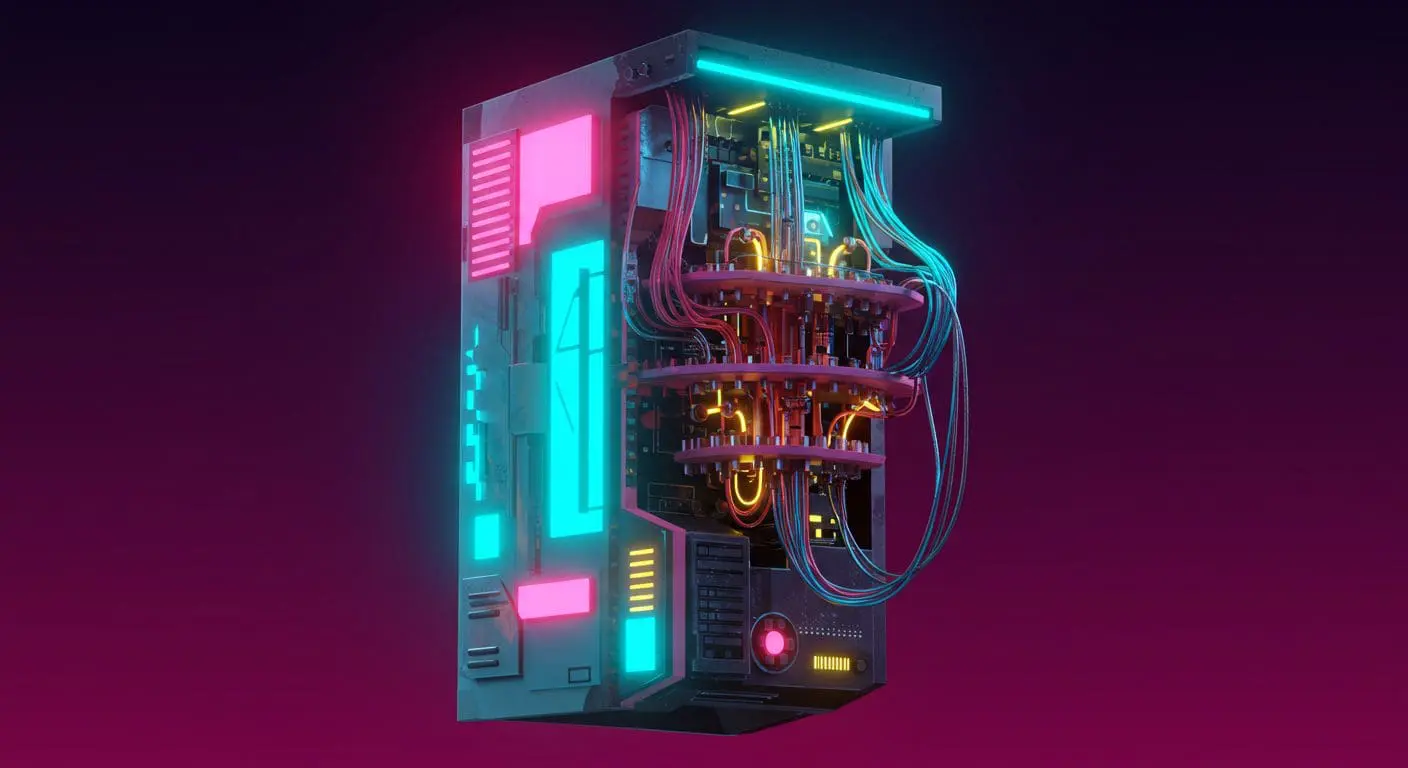
Gemini Omni is offering users detailed control over visual style through prompts referencing contemporary flat-media aesthetics. Rather than requiring precise technical specifications, the system interprets broader artistic direction, allowing for the generation of visuals informed by current design trends; this approach moves beyond merely altering content and into the realm of stylistic interpretation. The system demonstrated this ability by visualizing the prompt: “Explain the difference between regular computing and quantum computing,” rendering the explanation using a contemporary flat-media style that blends “minimalist vector shapes with rich organic textures.” This aesthetic, as defined by Gemini Omni’s rendering, is characterized by a high-contrast, “electric” color palette of neon pinks, cyans, and limes set against a deep navy background. A key element of this style is the incorporation of “stipple shading and grainy gradients,” which adds a tactile, risograph-like quality to the otherwise simple geometric forms.
By combining these sharp edges with softened transitions, the resulting illustration achieves a visual effect. The system’s ability to translate abstract requests into concrete visual styles suggests a significant shift in how complex concepts are communicated and understood, moving away from purely functional representations toward more evocative and engaging imagery. Beyond static image generation, Gemini Omni’s stylistic flexibility extends to dynamic video elements, allowing users to dictate not only what is shown, but how it is presented. This level of control goes beyond simple visual adjustments, suggesting a deeper understanding of artistic composition and timing.
Gemini Omni can apply complex stylistic progressions to video footage, and the system’s capacity to execute such a detailed sequence highlights its ability to translate nuanced artistic direction into a cohesive visual narrative. “With Gemini Omni, you don’t have to be as prescriptive with your prompt,” the company suggests, emphasizing the system’s capacity to infer intent and leverage its own knowledge base. This conversational approach to video editing allows for a more intuitive and creative workflow, enabling users to focus on the overall artistic vision rather than the technical intricacies of implementation, ultimately offering a new paradigm for visual storytelling.
With Veo, you need to share precise instructions to get the best results. But with Gemini Omni, you don’t have to be as prescriptive with your prompt.
Multi-Modal Scene Creation with Referenced Media
Unlike conventional generative video tools, Omni retains existing work across multiple revisions, significantly reducing time investment for creators focused on refinement. This efficiency stems from a core design principle: understanding user intention and applying edits selectively. Gemini Omni extends creative control into the realm of cinematic direction, allowing users to manipulate camera work through conversational commands. The system responds to requests for specific camera angles, points of view, and movements as if interacting with a human editor; a user can ask for “a close-up on his shoes, quickly tilting up to medium shot, then widening” and the system will execute the sequence. For example, a user can instruct Gemini Omni to sync two different inputs, like pairing the lights of a building with the beats of a soundtrack. This multi-modal approach allows for complex layering and creative combinations. Gemini Omni also facilitates stylistic transformations, enabling users to apply a range of artistic filters to existing footage.
Create a four-part stylistic progression of the video reference that begins with a vibrant colored crayon aesthetic, featuring rich, waxy, textured strokes and playful, hand-drawn character designs against a backdrop of heavily granulated paper. Transition seamlessly into a graphite pencil sketch on textured paper, utilizing cross-hatching, varying line weights, and a 12fps “line boiling” effect to emphasize a hand-drawn feel. Next, morph into a hyper-realistic 3D translucent glass style, characterized by complex light refractions, caustic patterns, and soft internal glows within a minimalist studio setting. Conclude the sequence with a tactile risograph print look, applying a limited three-color palette, grainy halftone textures, and intentional registration overlays for a retro, mechanical finish.




See today’s quantum computing news on Quantum Zeitgeist for the latest breakthroughs in qubits, hardware, algorithms, and industry deals.